
JeetBuzz Login in Bangladesh (JeetBuzz লগইন)
Updated – August 2026
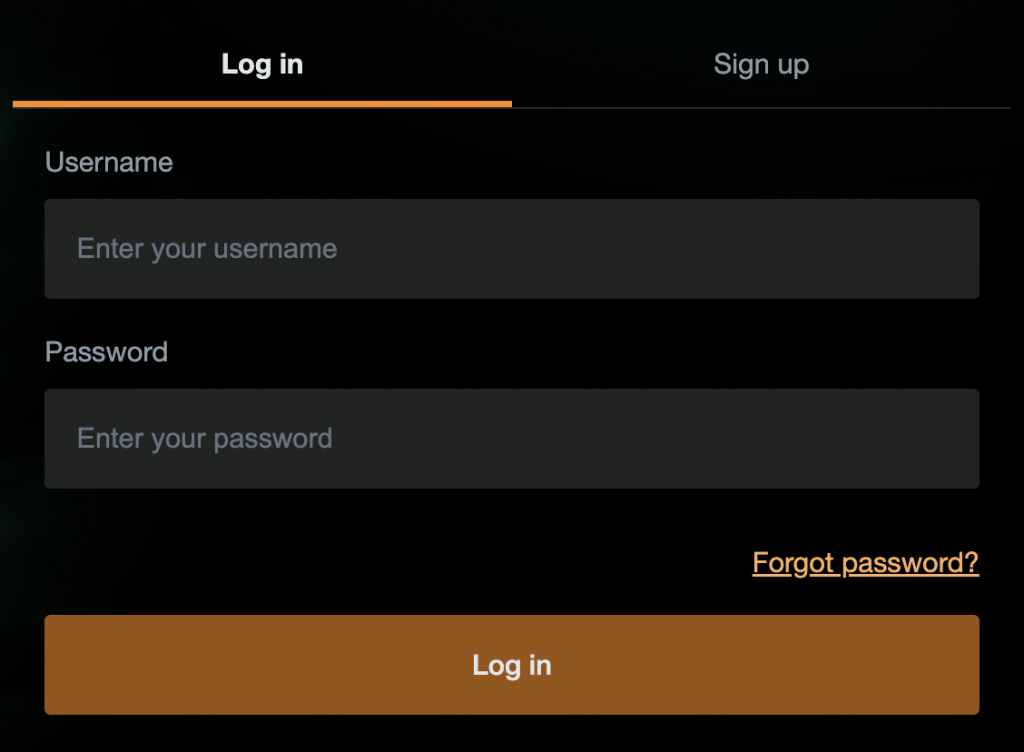
JeetBuzz users can access their account with the username and password created during registration.
This page explains the JeetBuzz login process in Bangladesh, mobile app access, common sign-in problems and password recovery.
The same account credentials can be used on the JeetBuzz website and mobile platform.
JeetBuzz Login from the Mobile App
Users can access JeetBuzz on mobile with the same account credentials used on the website.
- Open the JeetBuzz app or mobile website.
- Select Login.
- Enter your registered username.
- Enter your password.
- Select Login to open the account.
Android users who need installation instructions can visit the JeetBuzz App page.
JeetBuzz Login Problems
Most JeetBuzz login issues are related to incorrect account details, a temporarily locked account, forgotten credentials or a browser or app problem.
Incorrect Username or Password
Check that the username and password are entered correctly. JeetBuzz passwords are case-sensitive, so uppercase and lowercase letters must match the credentials created for the account.
If the password has been forgotten, use the password recovery option instead of repeatedly trying different combinations.
Account Locked After Failed Login Attempts
Several unsuccessful login attempts can temporarily lock access to the account. Use the password reset option to restore access.
If the account remains locked after resetting the password, contact JeetBuzz customer support for assistance.
Forgotten Password
If you have forgotten your password, use the password recovery option available from the JeetBuzz login screen. Detailed password recovery instructions are provided below.
Login Works in Browser but Not in the App
If the account can be accessed through the JeetBuzz website but not through the mobile app, check that the current version of the JeetBuzz app is installed.
Android users can visit the JeetBuzz App page for APK download and installation instructions.
Browser Login Problems
If the login page does not load correctly, try refreshing the page or reopening it in a current browser. Clearing outdated browser cache and cookies can also help if the login form is not working as expected.
What Should I Do If I Forgot My JeetBuzz Password?
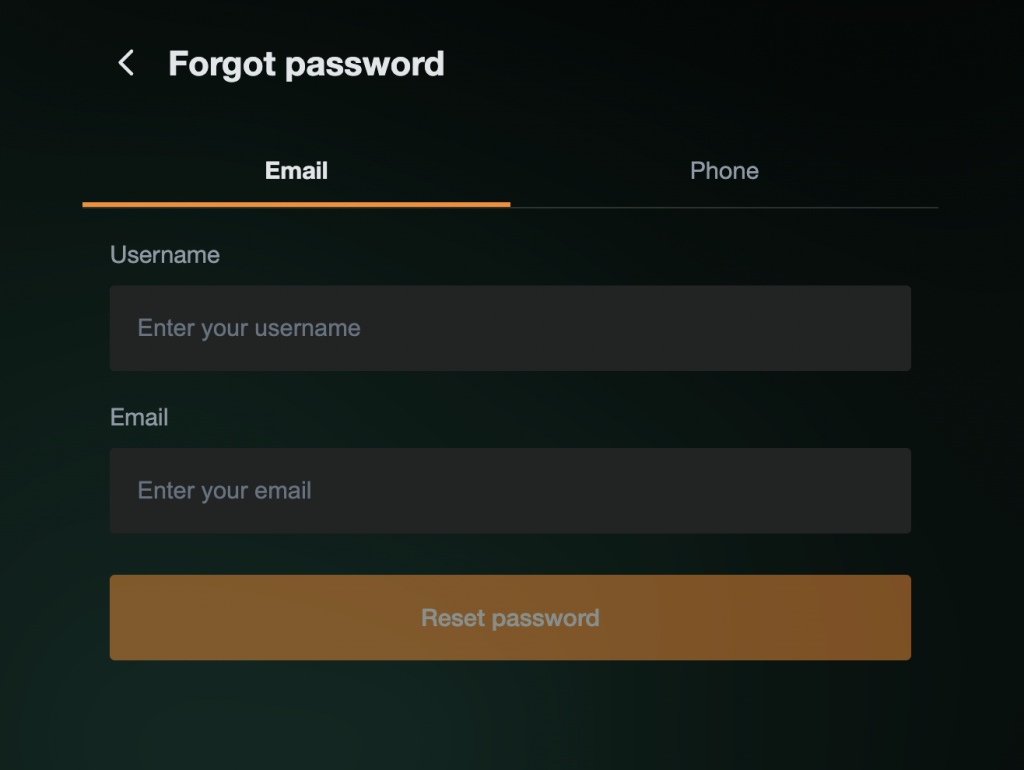
If you cannot remember your JeetBuzz password, select Login and then choose Forgot Password.
Password recovery can be completed using the verified email address or phone number connected to your account.
Enter your JeetBuzz username together with the requested email address or phone number and follow the instructions sent by email or SMS.
If you cannot restore access using either recovery method, contact JeetBuzz customer support for assistance with account verification and password recovery.
JeetBuzz Login FAQ
What Should I Do If I Forgot My JeetBuzz Password?
Select Login and then Forgot Password. Password recovery is available through the verified email address or phone number connected to your account. Enter the requested account details and follow the instructions sent by email or SMS.
Why Is My JeetBuzz Account Locked?
Several unsuccessful login attempts can temporarily lock access to your account. Use the password recovery option to restore access. If the account remains locked, contact JeetBuzz customer support for assistance.
Do I Need to Verify My JeetBuzz Account?
Account verification is required for certain account functions such as withdrawals. JeetBuzz may require verification of the registered phone number, email address and account information before a withdrawal can be processed.
Can I Log In to JeetBuzz Without Installing the App?
Yes. You can log in through the JeetBuzz mobile website using a compatible browser. Installing the Android app is not required to access your account.
What Should I Do If JeetBuzz Login Works in My Browser but Not in the App?
Check that you are using the current version of the JeetBuzz app. If necessary, reinstall or update the Android application and try signing in again with the same username and password.